

A small Markdown linter for Bear notes. It checks and fixes common Markdown inconsistencies — bullet markers, emphasis style, checklist syntax, heading structure, tags, and more — by reading and writing your notes directly via bearcli.
Usage
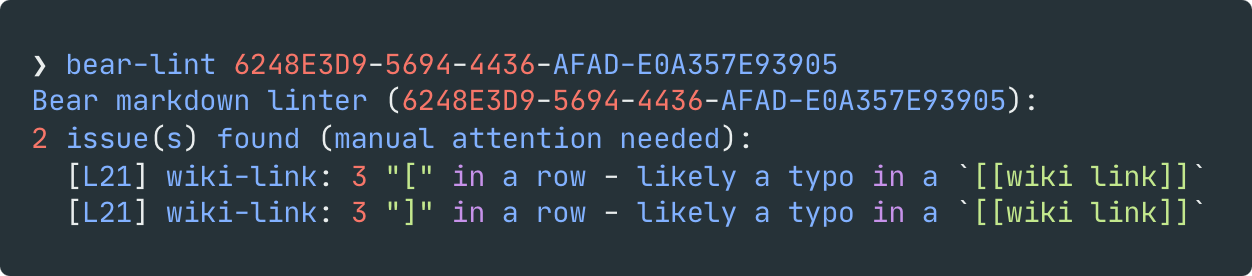
You can lint a single note by typing bear-lint <note-id>…
… or lint all of your notes using bear-lint --all.
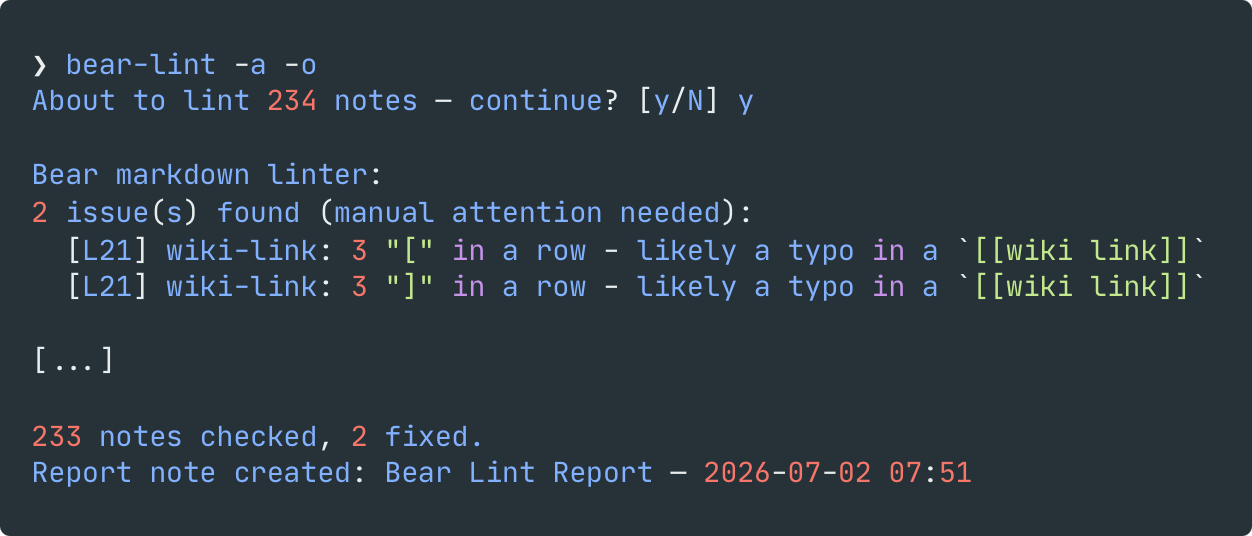
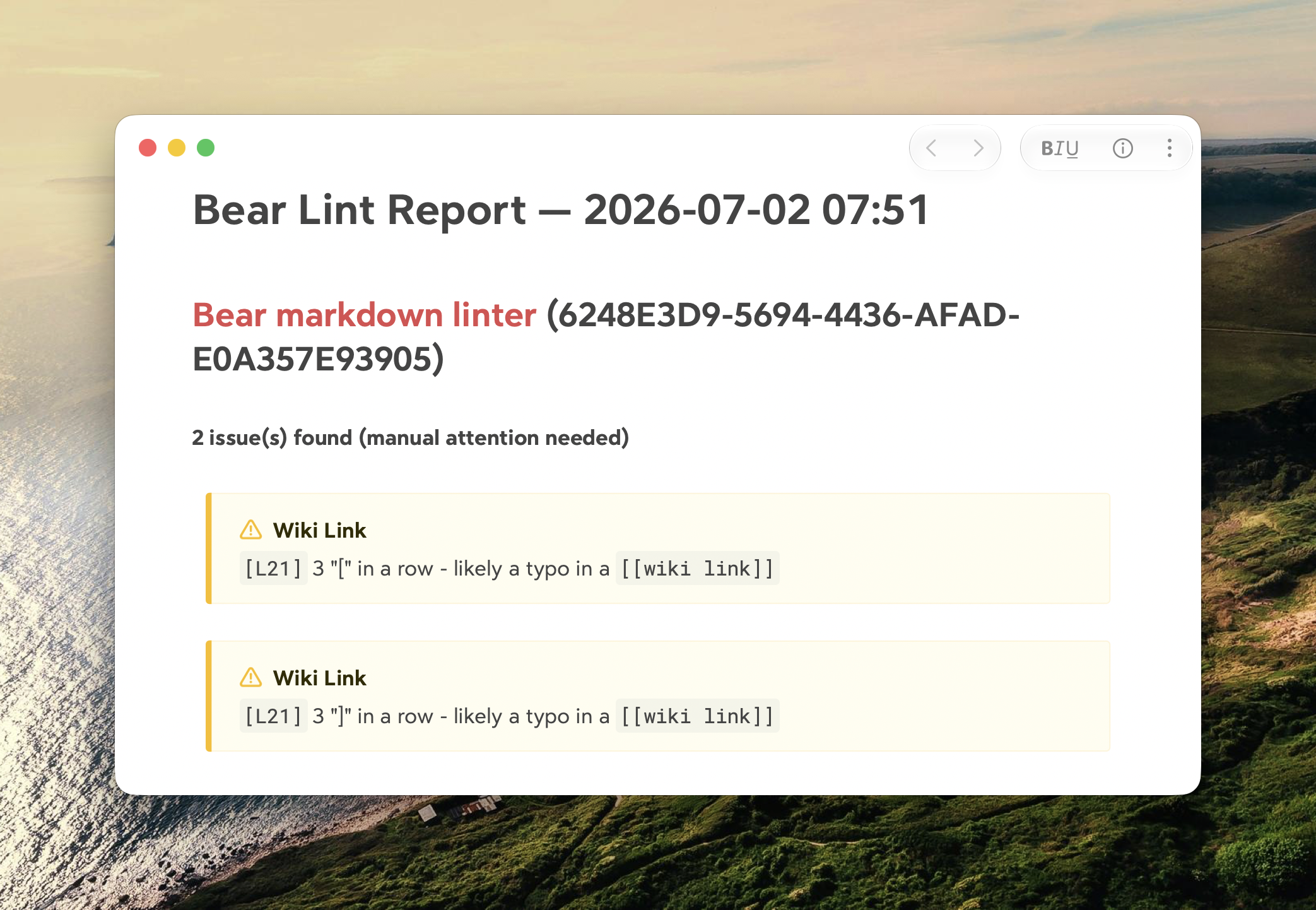
Add -o if you want a summary note in Bear, tagged #bear-lint, listing everything that changed.
Commands
bear-lint --help                 # show all commands
bear-lint --version              # print the installed version
bear-lint <note-id>              # lint one note by ID
bear-lint --all                  # lint all notes (always asks for confirmation first)
bear-lint -a "#tag"              # -a is a short alias for --all
bear-lint --all "#tag"           # lint notes matching a Bear search query (also confirms first)
bear-lint --all "#tag" -y        # skip the confirmation prompt (cron/launchd-friendly)
bear-lint --selftest             # sanity check, no Bear needed
bear-lint <note-id> -o           # lint one note and also save the report as a Bear note
bear-lint --all "#tag" -o        # same, for a batch run
bear-lint <note-id> -n           # preview the diff without writing anything back
bear-lint --all -n               # preview every note's changes without writing (no prompt)