

Bear is a beautiful (if not the most beautiful) markdown app out there. Its set of features is quite limited and that’s what allows the team to deliver such a polished app.
But markdown can get messy. Multiple empty lines, heading hierarchy, smart quotes, and other consistency things that would not bother a normal person but oh boy, do they bother me.
Online there are plenty of markdown linters, but none of them works with Bear’s notes database.
Since Bear CLI and Claude Code are now a thing, I decided to solve this for myself.
bear-lint allows you to fix the markdown in a single or multiple notes in Bear from the terminal using the newly released Bear CLI.1
You can lint a single note by typing bear-lint <note-id>…
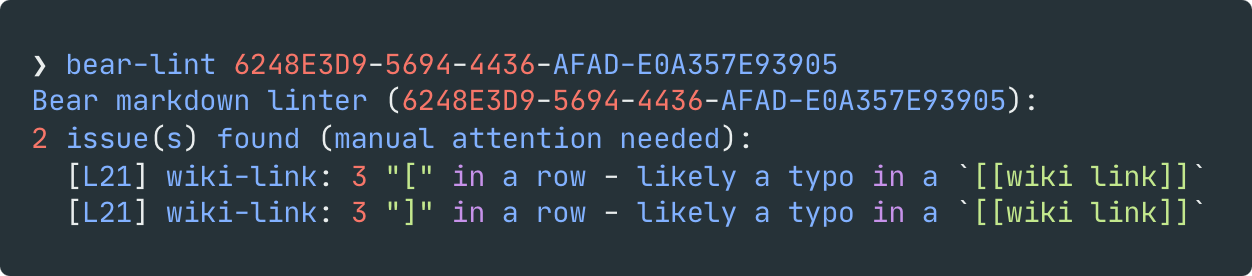
… or lint all of your notes using bear-lint --all.
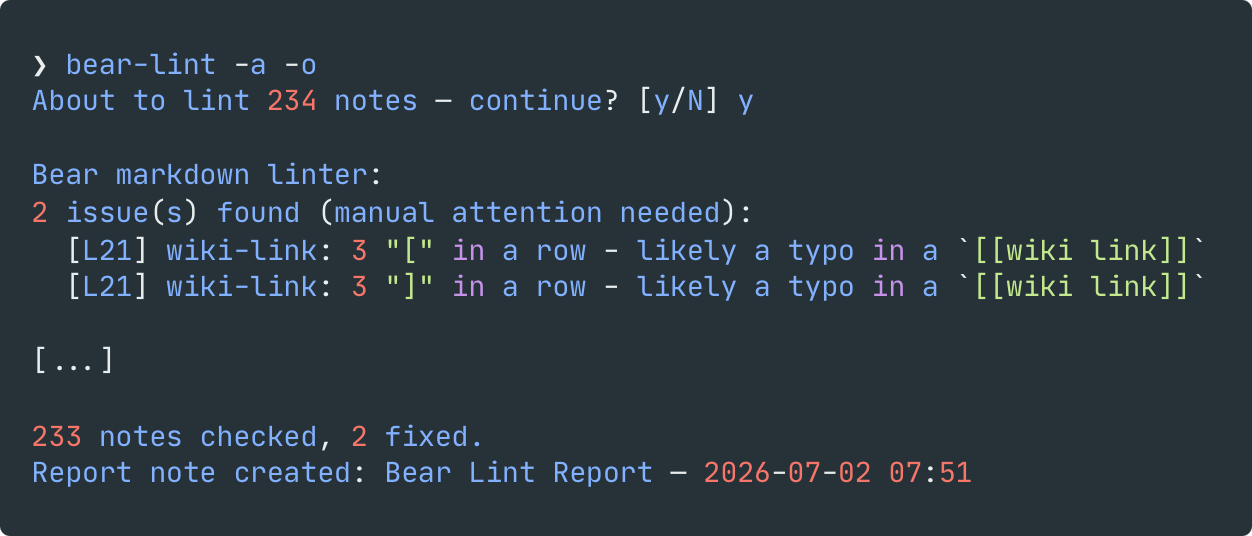
You can also lint all notes under the same hashtag using bear-lint --all "#tag".
Add -n/--dry-run if you want to see the diff first without touching the note.
When run, the script does not change the modified date of your files, so notes will still appear in the same order.
Add -o if you want a summary note in Bear, tagged #bear-lint, listing everything that changed.
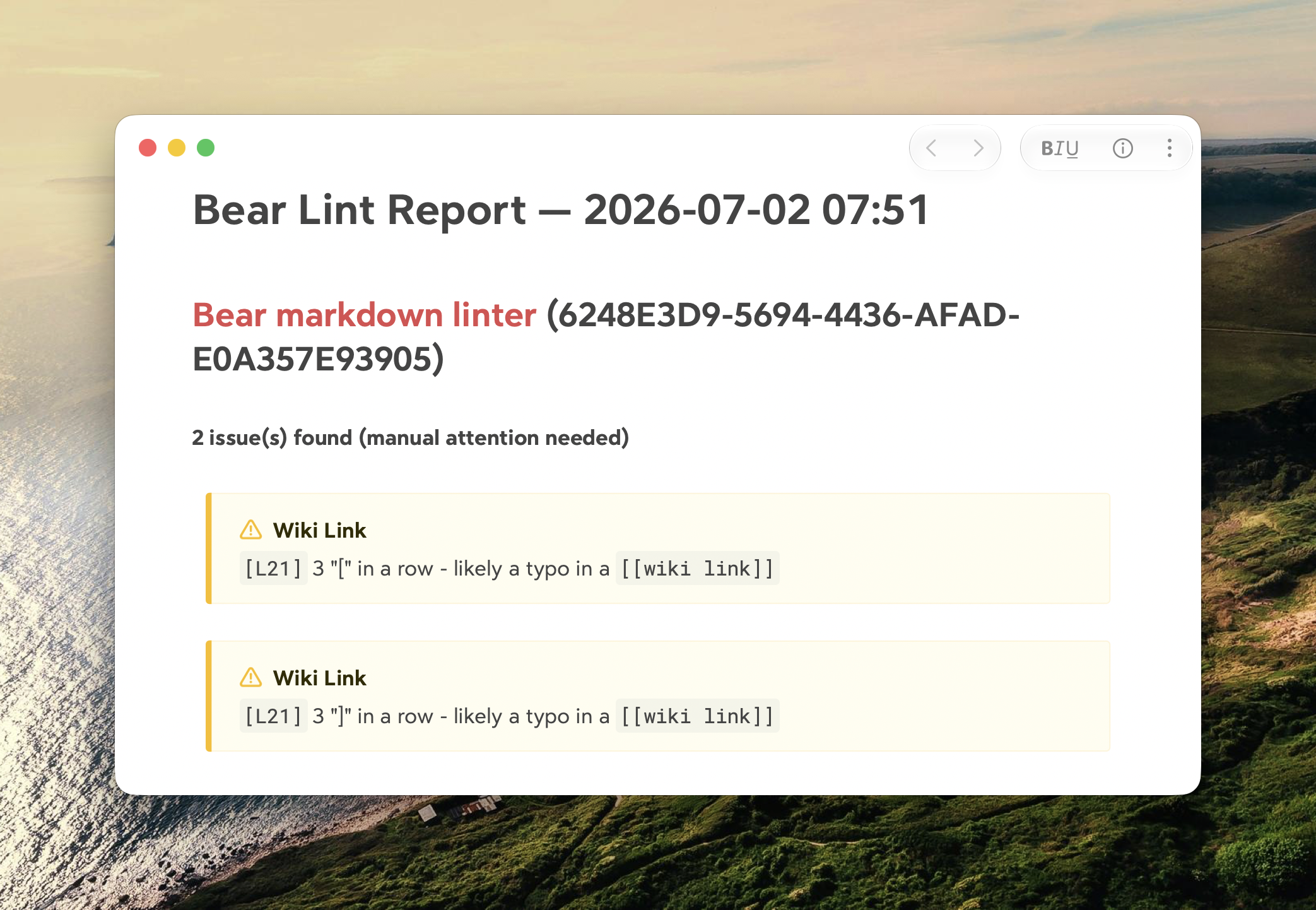
Since this thing writes straight to your notes, I’ve run it against my own library multiple times before releasing it. I’ve also added a proper test suite, including a check that running it twice in a row doesn’t undo or redo its own work. If it still gets something wrong, let me know.
Footnotes
-
For this reason you’ll need Bear 2.8 or above ↩